

Key Takeaways
- Many common smart devices, including speakers and displays, can function as Thread Border Routers for Matter over Thread connectivity.
- Devices like certain Amazon Echo models, Apple HomePods, and specific smart TVs have built-in Thread support.
- Popular mesh Wi-Fi systems and smart home hubs may also offer Thread functionality, reducing the need for extra hubs.
Matter and Smart Devices: What You Need to Know
Matter smart home devices are gaining traction, but many users mistakenly believe that a special hub is necessary for them to function with Matter over Thread. Surprisingly, a variety of existing devices can serve as Thread Border Routers without the need for additional purchases.
Smart speakers such as the Amazon Echo (4th gen, Echo Plus, Echo Dot Max, and Echo Studio) and Apple HomePods (2nd gen and mini) support Thread. These enable users to control Matter devices through voice commands. On the other hand, some Google smart speakers can control Matter devices over Wi-Fi but lack Thread support.
In addition to speakers, several smart displays, including various models of the Amazon Echo Show, can also operate as Thread Border Routers. Google’s Nest Hub series supports Thread as well, whereas Apple currently doesn’t have any smart displays supporting this functionality.
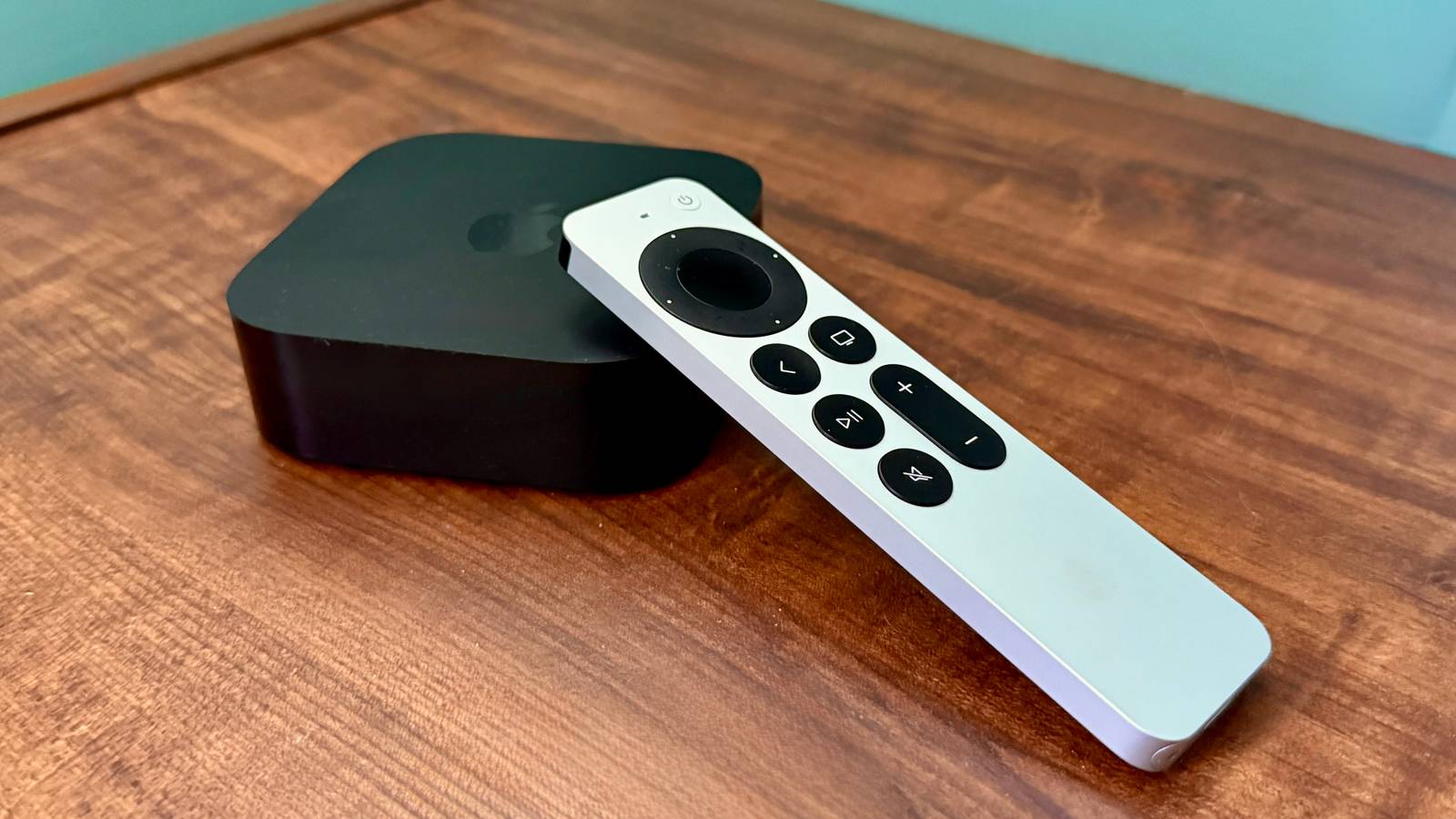
Interestingly, some TV streamers, notably specific Apple TV 4K models and Google’s 4K streamer, can communicate with smart home devices using Matter over Thread, unlike Roku and Amazon Fire TV devices which lack this capability.
Mesh Wi-Fi systems, notably eero and Google Nest Wi-Fi, often come with built-in Thread support. This ensures a more robust connectivity network throughout homes.
Lastly, various established smart home hubs already possess Thread compatibility, negating the need for additional hardware. Popular hubs like the Aqara Hub M3 and Aeotec Smart Home Hub can facilitate Matter connectivity. Users should check their specific device models before investing in new equipment, as many devices potentially serve dual functions.
The content above is a summary. For more details, see the source article.