
Key Takeaways
- Setting up a smart home monitoring system using InfluxDB, Home Assistant, and Grafana can be complex but rewarding.
- InfluxDB 2.0 has streamlined data handling, requiring specific formats, and necessitating careful configuration.
- Grafana offers powerful visualization options, enabling users to create detailed dashboards of their smart home data.
Monitoring a smart home can be achieved through various tools, including Prometheus and Home Assistant, among others. A popular combination is using InfluxDB for data storage and Grafana for visualization. While setting up this configuration may require significant effort, the results can be visually impressive and insightful.
The setup process begins with installing InfluxDB and configuring it in TrueNAS. InfluxDB 2.0 has updated its data handling, now requiring all data to be in Telegraf format, which simplifies support but may lead to outdated information online. Once installed, an API token must be securely stored, as it’s vital for future use. The configuration of Telegraf can be tricky; users need to ensure the correct device and data sharing settings to collect data effectively.
After successful data collection, integrating Home Assistant is essential for exporting data to InfluxDB. Home Assistant controls data exports through a YAML file, complicated by its legacy integration. Comprehensive instructions are available online for modifying the configuration based on the setup.
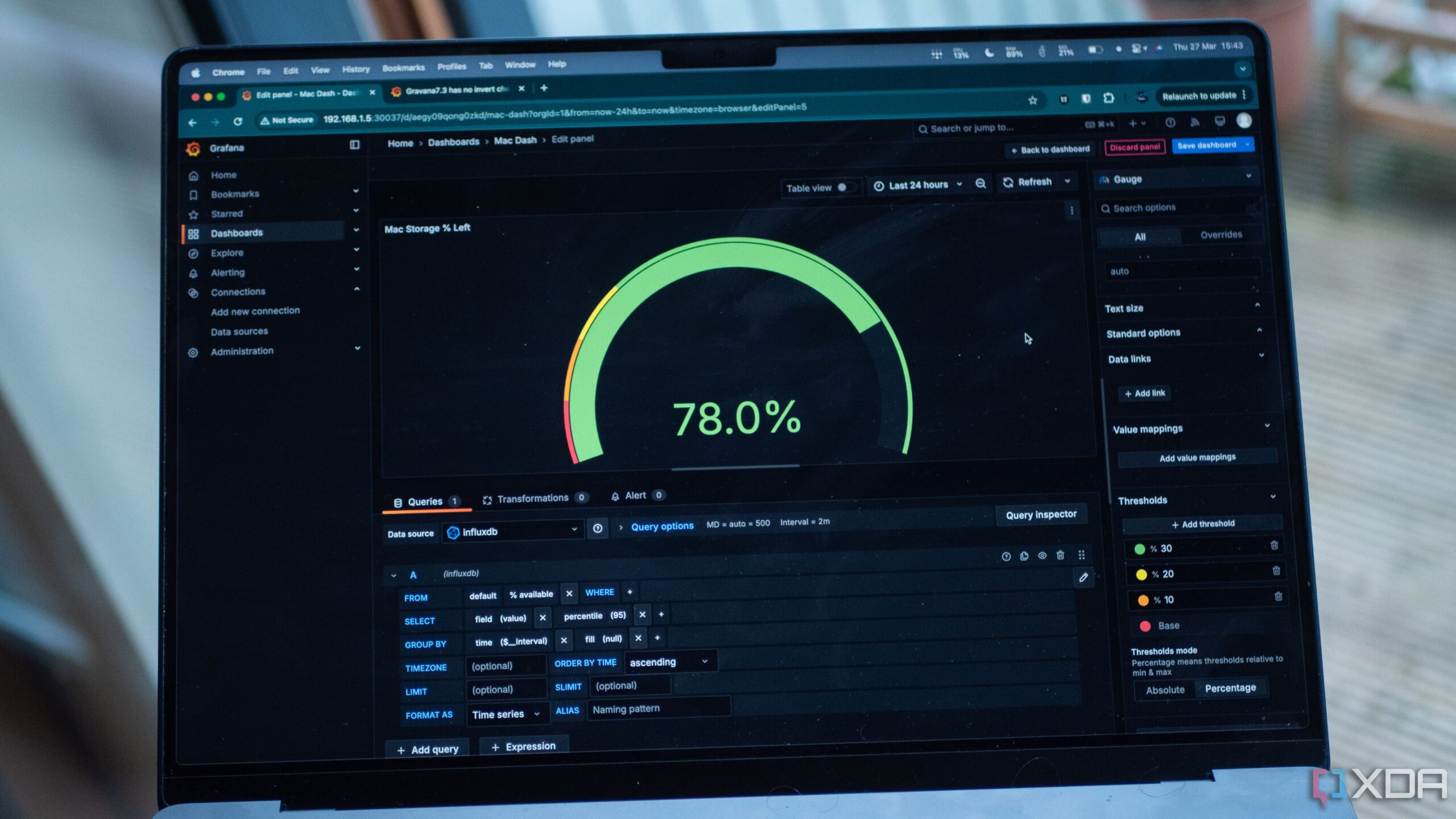
Transitioning to Grafana is relatively straightforward. Users connect Grafana to InfluxDB by inputting necessary details like database name and API token. Creating visualizations in Grafana involves using a query builder for simpler navigation through data sets, allowing users to create customized graphs and dashboards that reflect real-time smart home conditions.
While basic templates exist, exploring Grafana’s capabilities can lead to advanced visual displays. Users can adjust aesthetics and thresholds for data representation, enhancing usability and appeal. Effective data visualization may simplify monitoring conditions like humidity and system performance, allowing for timely alerts and automations. This comprehensive system setup not only improves visibility into smart home operations but also opens up possibilities for future enhancements.
The content above is a summary. For more details, see the source article.