
Key Takeaways
- Change default passwords on routers and devices for enhanced security.
- Enable Multi-Factor Authentication (MFA) on all smart home accounts.
- Regularly update firmware to protect against vulnerabilities.
Secure Your Smart Home
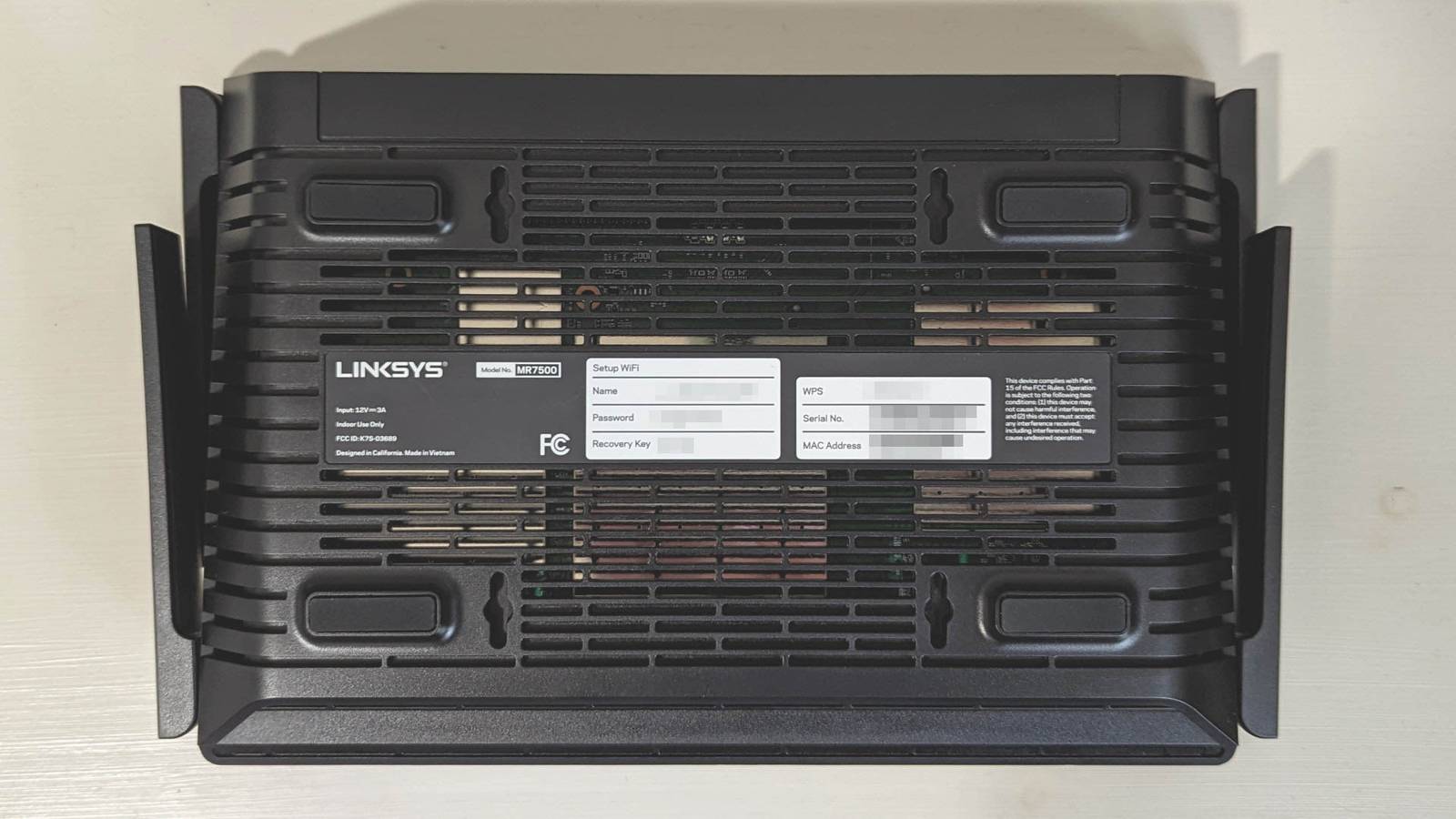
Many assume their smart home’s default security settings are sufficient, but these are often weak and easily bypassed. To bolster security, start with the router, which serves as the central hub for smart devices. Change the default Wi-Fi and admin passwords to unique, strong alternatives as soon as the router is set up. Use WPA3 encryption whenever possible and disable features like Wi-Fi Protected Setup (WPS) and Universal Plug and Play (UPnP) that could compromise your network’s integrity.
Establishing a guest Wi-Fi network for smart devices can also limit their access to your main network, minimizing risks.
Account security is critical; ensure that all smart home applications require secure, unique passwords and activate Multi-Factor Authentication (MFA) whenever it’s available. This adds an extra layer of security that is essential to prevent unauthorized access, especially if using accounts across different vendors.
Each smart device will have its own default security settings that should be meticulously reviewed and updated. Change default passwords for all devices and turn on MFA for associated accounts. Disable UPnP and other features like remote access if they are unnecessary, as they can expose your system to the internet.
Additionally, ensure that firmware for all devices is up to date. Outdated software can harbor vulnerabilities that hackers exploit. Enable automatic updates where feasible, but also be mindful of potential disruptions from updates, particularly in self-hosted systems. A thorough review of security settings for all smart devices is essential to ensure they do not remain vulnerable due to overlooked defaults.
The content above is a summary. For more details, see the source article.