

Key Takeaways
- The Google TV Streamer’s Home Panel is now available on more devices, including older models.
- Users will receive a pop-up prompt to set up the Home Panel on compatible devices.
- A Google Home setup is required to utilize the Home Panel features efficiently.
Home Panel Expands to More Google Devices
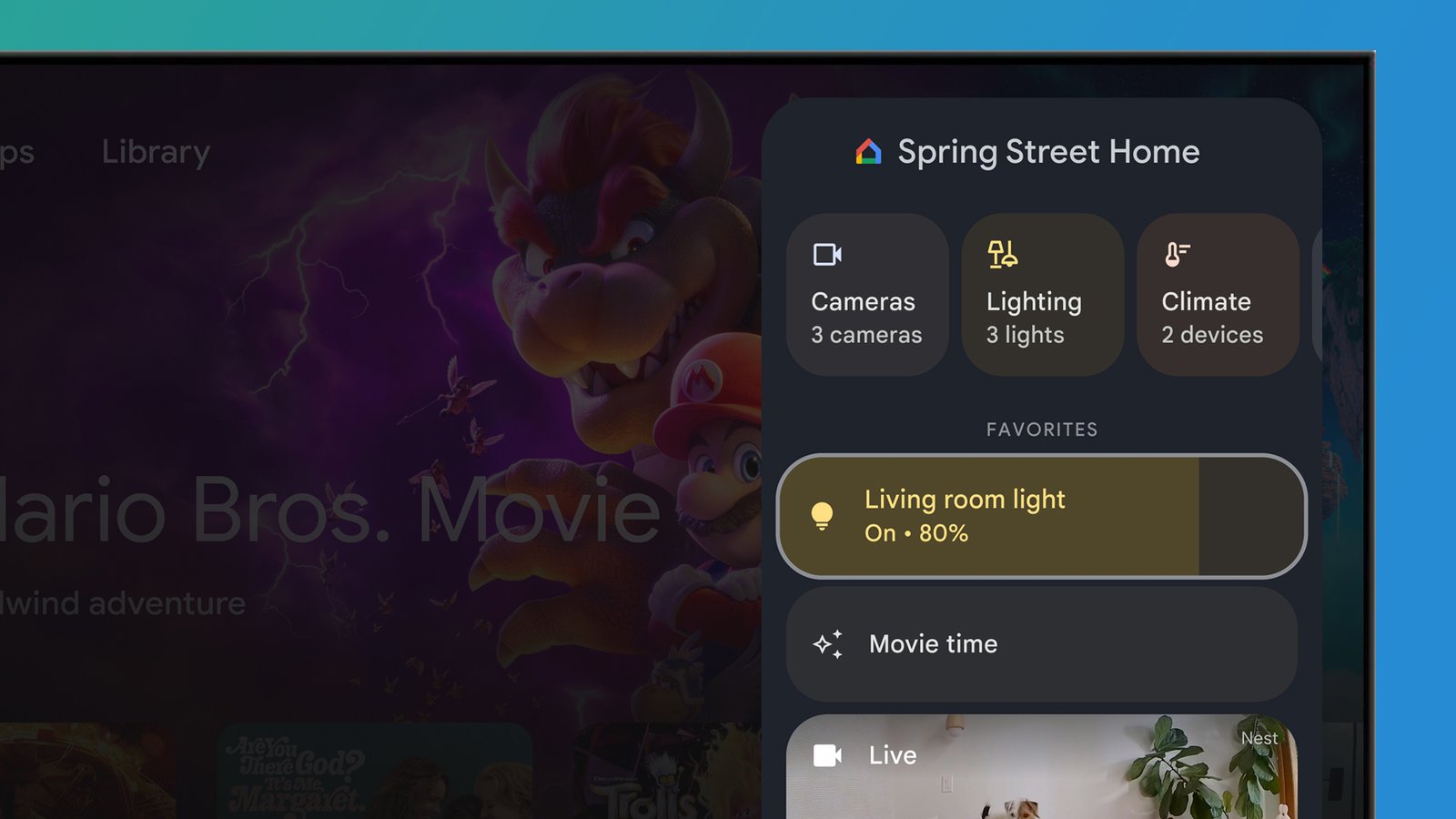
The Google TV Streamer’s Home Panel, originally exclusive to the Streamer, is now being rolled out more widely. This feature allows users to control their smart home devices directly from their televisions, enhancing the smart home experience. Google launched a Public Preview initially, but the feature is now generally available on additional devices, including Chromecast and Google TV models.
Notably, the rollout extends to some discontinued devices as well, bringing the Home Panel functionality to older Chromecast models and certain Hisense TVs. This expansion reflects Google’s commitment to integrating smart home management across a wider array of products.
Setting Up the Home Panel
To utilize the Home Panel, users will encounter a pop-up on their compatible devices instructing them to set it up the next time they access their Google TV or Chromecast. The installation process is designed to be user-friendly, guiding individuals step by step through activation.
The Home Panel encompasses various features similar to those found on the original Streamer, including notifications from Nest Doorbells, management options for lights, thermostats, and speakers, and live camera feeds. Users can quickly access these tools through the Quick Settings panel, seamlessly integrating smart home management into their viewing experience.
Requirements for Usage
To take full advantage of the Home Panel capabilities, users must have a Google Home configured in the Google Home app. It is essential that this Home setup corresponds with the Google TV device in use; lacking a proper setup will prevent the user from receiving the Home Panel notification.
Additionally, for security reasons, Google emphasizes that the setup is intended for adults, ensuring that younger users do not have unrestricted access to smart home controls. This safeguard aims to protect users’ privacy and the security of their devices.
As the feature continues to roll out, more users will find it easier to manage their smart home systems from their televisions, enhancing convenience and integrating various aspects of home automation.
The content above is a summary. For more details, see the source article.